

Define once.
Derive everywhere.
Build a template in the studio below — it’s the real one — and name the parts that change. Then generate on-brand images and PDFs from your backend, your automations, or an AI agent, thousands at a time.
Works as a tool for Claude, Cursor and ChatGPT via MCP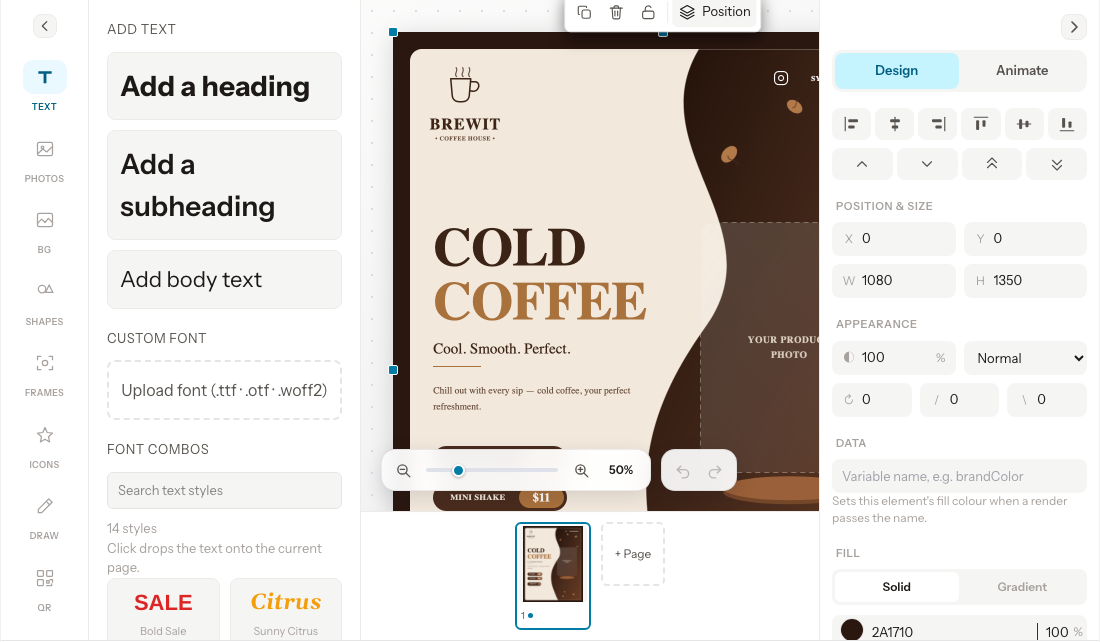
- output formats
- PNG · JPG · PDF
- typical render
- < 1 s
- per rendered file
- 1 credit
- agent & API access
- OAuth + scoped keys
Everything between a design
and a finished file.
buildonce.app is the whole path: author the template, hold the brand, expose it as an API, keep a record of everything it produced.
POST /v1/render
{
  "template": "tpl_9k2f",
  "variables": {
    "headline": "Atlas Runner",
    "image": "https://…/atlas.png",
    "price": "$129"
  }
}
Name a layer. It becomes an API parameter.
Bind any text, image or colour to a variable in the studio. Designers keep changing the art; the parameter names your code calls never break.
One brand kit, read by everyone.
Logos, WOFF2 fonts, palette and a style guide per workspace — used by the editor, the renderer and your agents.
PNG, JPEG or multi-page PDF.
Render one page or every page of a document as a single file, at any size up to 20,000px.
- Canva design imported
- Orshot template imported
- Templated.io imported
- Bannerbear imported
Bring the designs you already have.
Import from Canva, Orshot, Templated.io or Bannerbear, start from the catalog, or open a blank canvas.
Every render, on the record.
Dashboard, API or agent — each file is logged with its format, size, source and cost, and stays downloadable.
Also: social publishing to LinkedIn, Instagram, Facebook, Threads and X, an embeddable studio for your own product, and workspace-scoped roles and keys. Full reference in the documentation.
One template.
Ten thousand editions.
Every row in your database, every SKU, every attendee, every locale — rendered through the same layout, so the thousandth file is as on-brand as the first.
- time
- ~50s
- cost
- 120 cr
- designer time
- 0
Change the data,
not the design.
Pick a campaign and a size — the design stays fixed, only the named variables change. Your API call does exactly this.
POST /v1/templates/tpl_9k2f/render
Authorization: Bearer $BUILDONCE_API_KEY

{
  "format": "png",
  "modifications": {
    "headline": "Meet the new Atlas 2",
    "subhead": "Available now",
    "badge": "Launch"
  }
}
Same template, same layers — only headline, subhead and badge changed.
Built for whoever needs
the hundredth version.
Anywhere the design is settled but the content keeps changing, buildonce.app replaces the manual export step.
A creative for every SKU, automatically
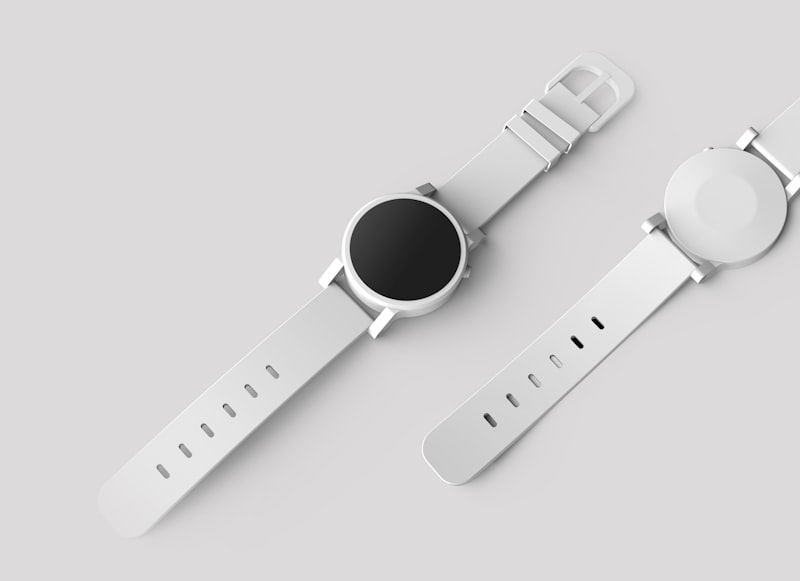
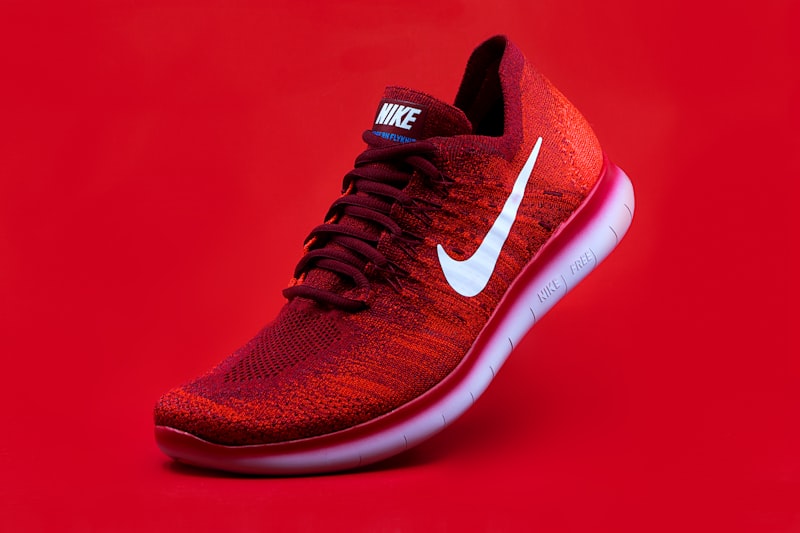
Generate product cards, price-drop ads and seasonal banners straight from your catalog. When a price changes, the creative changes with it — no designer in the loop.
- Render one ad set in four sizes from a single template
- Pull product titles, prices and photos from your own database
- Re-render on every catalog change without touching the design
 Price drop
Agents are users too.
Give them a real design tool.
buildonce.app ships a Model Context Protocol server. Connect it once and your agent can browse templates, author designs against your brand kit, and render finished files — all inside your workspace.
It knows your brand
get_brand_kit hands the agent your real palette, fonts and logo, so what it produces already looks like you.
It designs, not just fills
Agents can author a full design document — not only substitute text into a template someone else made.
It stays accountable
Every agent render bills to the workspace and shows up in the render log, with scoped OAuth access you can revoke.
- get_brand_kitpalette · 2 fonts · logo
- list_templates14 templates in workspace
- create_templatelaunch-post · 1080×1080
- render_templatepng · 1 credit · logged
Same product.
claude mcp add buildonce --transport http https://app.buildonce.com/v1/mcp
Wherever your content is made, buildonce.app can render it
Publish to social
Built-inConnect an account once, then schedule rendered assets straight to the feed.
Connect an agent
MCPOne OAuth-secured MCP endpoint, supported by every major agent client.
Call from anything
REST APIA plain REST endpoint and a bearer token — no SDK required, though one helps.
One credit per rendered file
No per-seat surprises and no charge for re-rendering identical output. Every plan includes the full API and MCP server.
Exercise the API before you pay.
- 100 one-time render credits
- 1 workspace · 1 seat
- 30 requests / minute
- Full API & MCP access
For a first product in production.
- 2,000 credits / month
- 1 workspace · 3 seats
- 60 requests / minute
- Social publishing · 3 accounts
- Embeddable studio
For teams shipping on a schedule.
- 10,000 credits / month
- 3 workspaces · 10 seats
- 120 requests / minute
- Social publishing · 10 accounts
- Embeddable studio
High volume, many brands.
- 50,000 credits / month
- 10 workspaces · unlimited seats
- 600 requests / minute
- Social publishing · 25 accounts
- Embeddable studio
Compare plans
| Features | FreeFree | Launch$29/mo | Grow$99/mo | Scale$299/mo |
|---|---|---|---|---|
| Usage | ||||
| Render credits (1 per image or PDF page) | 100, one-time | 2,000 / mo | 10,000 / mo | 50,000 / mo |
| AI Design Agent credits | 30, one-time | 500 / mo | 2,500 / mo | 6,000 / mo |
| API requests per minute | 30 | 60 | 120 | 600 |
| Storage for uploads | 1 GB | 10 GB | 50 GB | 200 GB |
| Team | ||||
| Workspaces | 1 | 1 | 3 | 10 |
| Team members | 1 | 3 | 10 | Unlimited |
| Social publishing | ||||
| Social accounts included | 3 | 10 | 25 | |
| Extra social accounts | $5 / mo each | $5 / mo each | $5 / mo each | |
| Platforms | All 10 | All 10 | All 10 | |
| X posts per billing period | 200 (20 with a link) | 600 (60 with a link) | 2,000 (200 with a link) | |
| Scheduled posts | Unlimited | Unlimited | Unlimited | |
| Build and integrate | ||||
| Templates | Unlimited | Unlimited | Unlimited | Unlimited |
| REST API and MCP server | ||||
| Embeddable studio and webhooks | ||||
Downgrades are scheduled for the end of your billing period, never applied mid-cycle. See rate limits.
Questions, answered
If something here is still unclear, the documentation goes deeper on every endpoint and tool.
One credit per rendered file. A PNG is one credit; a four-page PDF rendered as a single document is also one file. Re-rendering output that is byte-for-byte identical to something you already rendered does not charge again, so retries and idempotent calls are free.
No. You can start from the public template catalog or import designs you already have from Canva, Orshot, Templated.io or Bannerbear, then just rename the layers you want to control from your code. The visual studio is there when you want it, not required.
Screenshotting HTML means maintaining a rendering service, fonts, and a layout that was never designed for print or social crops. buildonce.app renders from a real design document with your own brand fonts, gives you multi-page PDF output, and hands non-engineers a canvas they can edit without touching your code.
Yes. The MCP server is OAuth-only — a plain API key will not authenticate there — and access is scoped to a single workspace that you approve at connect time. Every agent render bills to that workspace and appears in the render log, and you can revoke access at any point.
Templates, brand assets, API keys and credits are scoped per workspace, and nothing crosses between them. Authorization is enforced by the API guard chain with Postgres row-level security as an independent second layer, so a bug in one does not expose another tenant’s data.
Upgrades apply immediately. Downgrades are scheduled for the end of the current billing period rather than applied mid-cycle, and are blocked up front if your current seats or workspaces would exceed the target plan’s limits — so you never lose access to something you are actively using.
Yes. The embeddable studio runs the same editor on your domain, scoped per tenant, with per-feature toggles and webhooks that fire when one of your customers creates or updates a template. It is available on the Grow plan and above.
PNG, JPEG and PDF, at any canvas size up to 20,000px per side. You can render a single page, a specific page by id, or every page at once — which produces one file per page for images, or a single multi-page document for PDF.