

Design assets
Brand kit
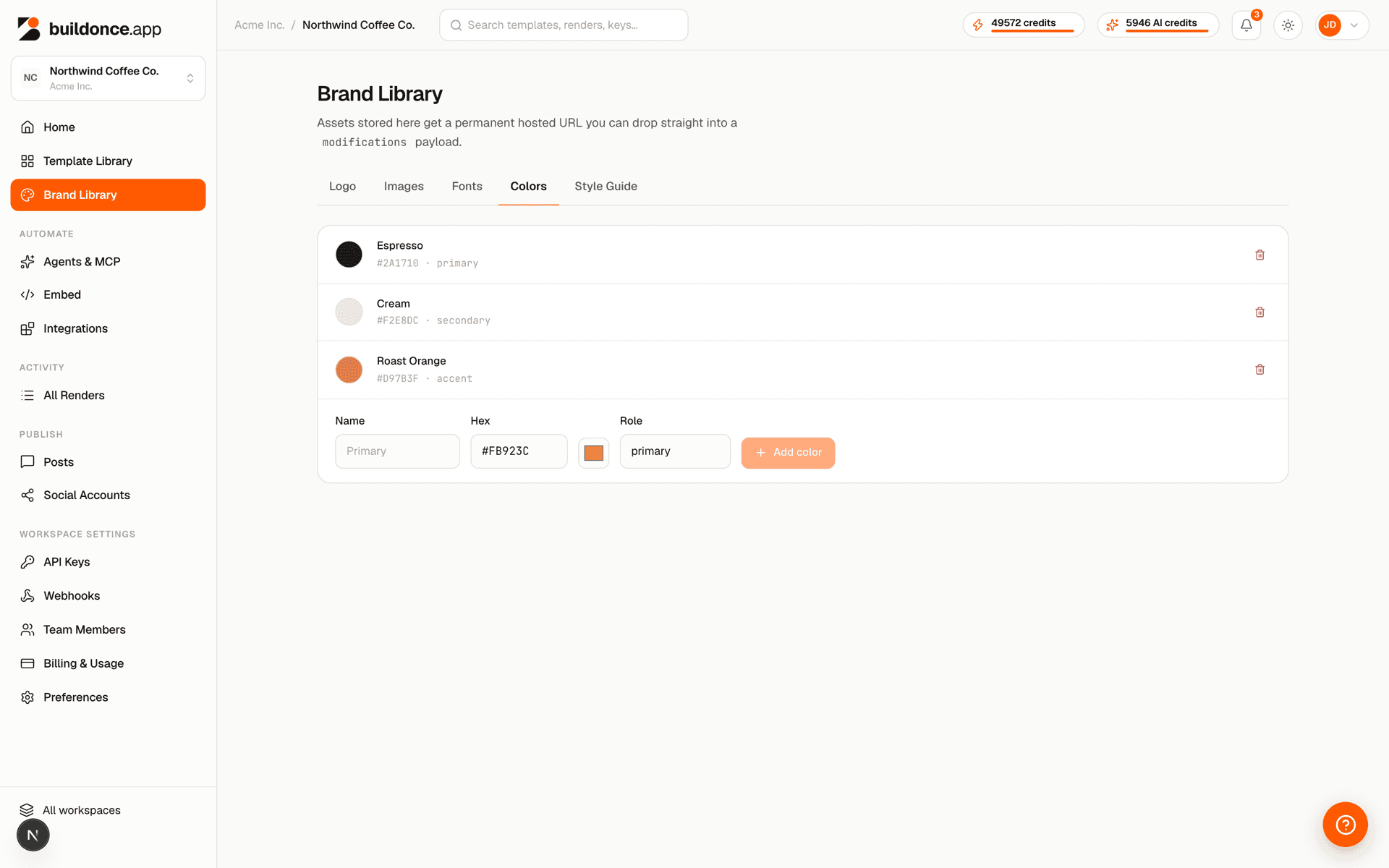
Every workspace can define a brand kit — logo, fonts, color palette and freeform style-guide notes — from Brand in the dashboard. It exists to keep anything designed for the workspace, by hand or by an AI agent, visually consistent.
Primary#FB923C
Secondary#1E293B
Accent#22D3EE
| Param | Type | Notes |
|---|---|---|
| Primary logo | image asset | Used on light backgrounds. |
| Reversed logo | image asset | Optional — for dark backgrounds. |
| Fonts | font asset[] | Up to 20. |
| Colors | { name, hex, role }[] | Up to 20 — e.g. name "Primary", role "primary". |
| Style guide | text | Freeform voice/tone/usage notes, up to 20,000 chars. |
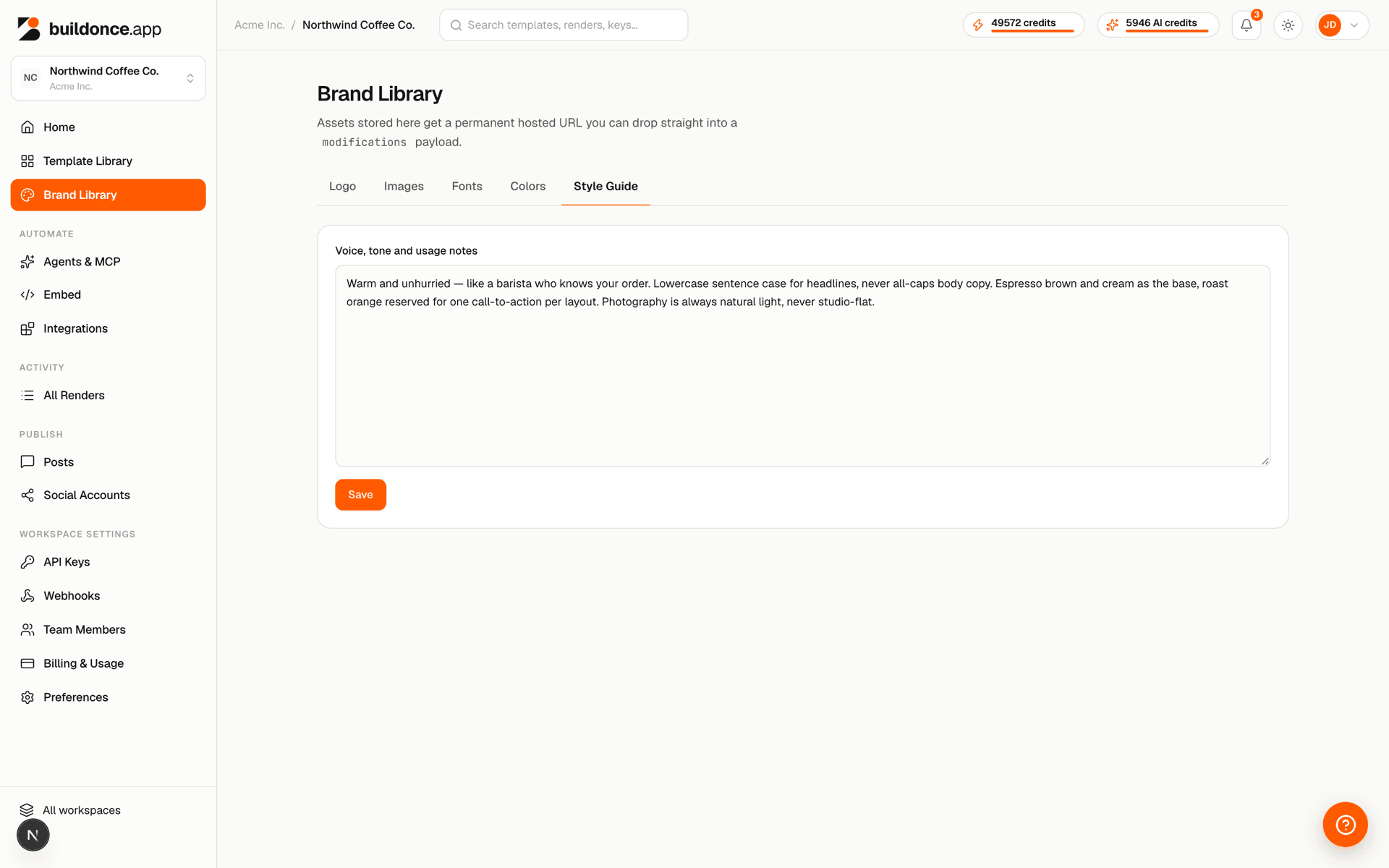
The MCP server's get_brand_kit tool fetches this same data, so an AI agent building a template can match your brand without you having to restate it in every prompt. An agent can also fill the kit itself — update_brand_kit sets the colors and style guide, and upload_asset adds the logo and font assets it references.
Was this page helpful?