

Template anatomy
A template is a multi-page design document authored in the studio. Each template has an id (shown in its studio URL and in every list/get response) — that's the :id path parameter used everywhere in the API.
Any text, image or color-fill layer on a page can be given a variableName. Doing so turns it into a parameter: a key you can override at render time instead of editing the design itself.
| Param | Type | Notes |
|---|---|---|
| text | string | Overrides the layer's displayed text. |
| image | string (URL) | Overrides the layer's image source. |
| color | string (hex) | Overrides a fill color. |
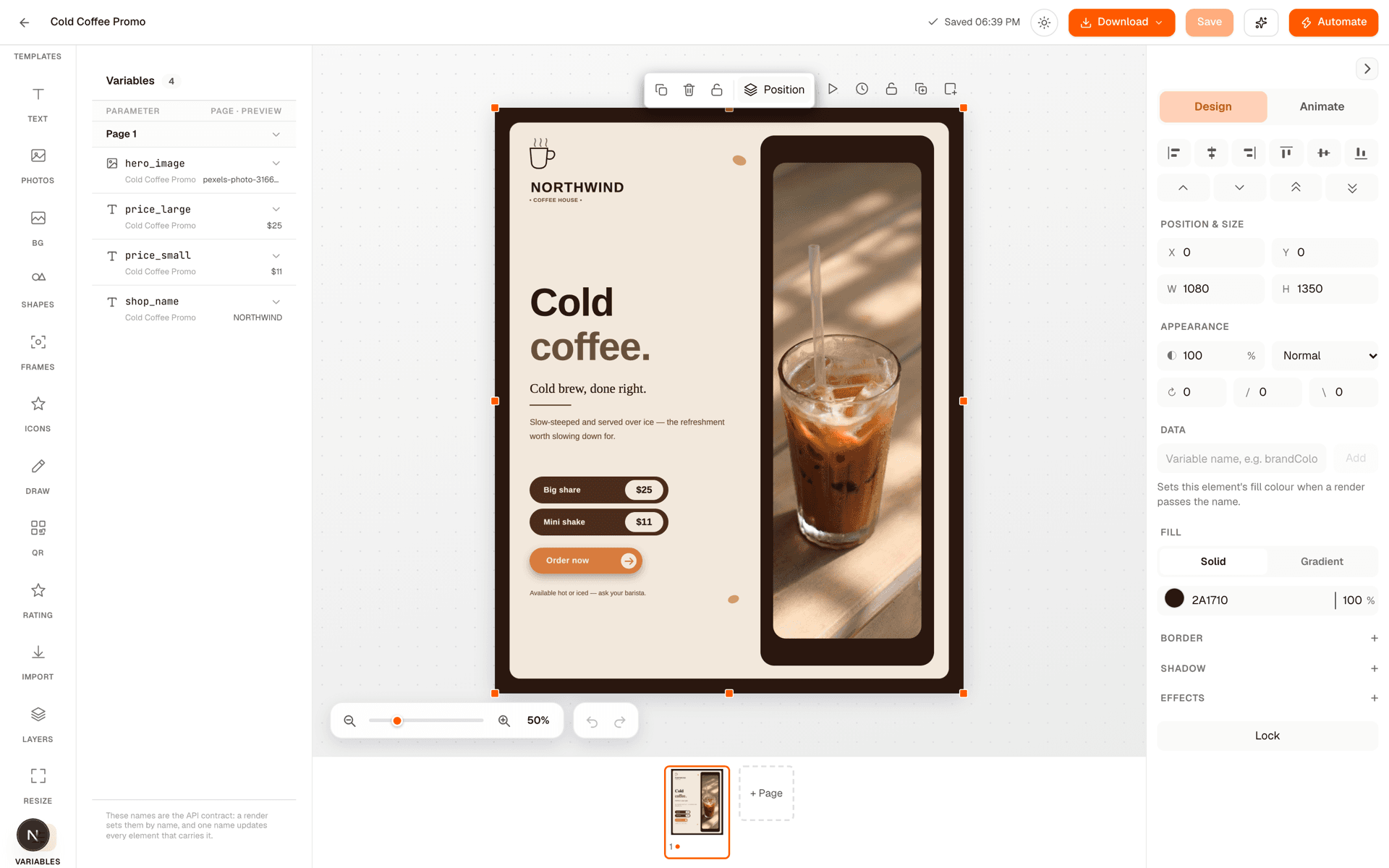
That includes layers inside a group: if you group a headline with the shape behind it, the headline's variableName still makes it a parameter, and a render still fills it in. For example, a group holding a background rectangle and a text layer named quote_text exposes quote_text, and { "quote_text": "Markets reward patience." } replaces the grouped text. A group can carry its own variableName as well, bound to its fill like any other non-text layer.
Was this page helpful?