

Importing templates
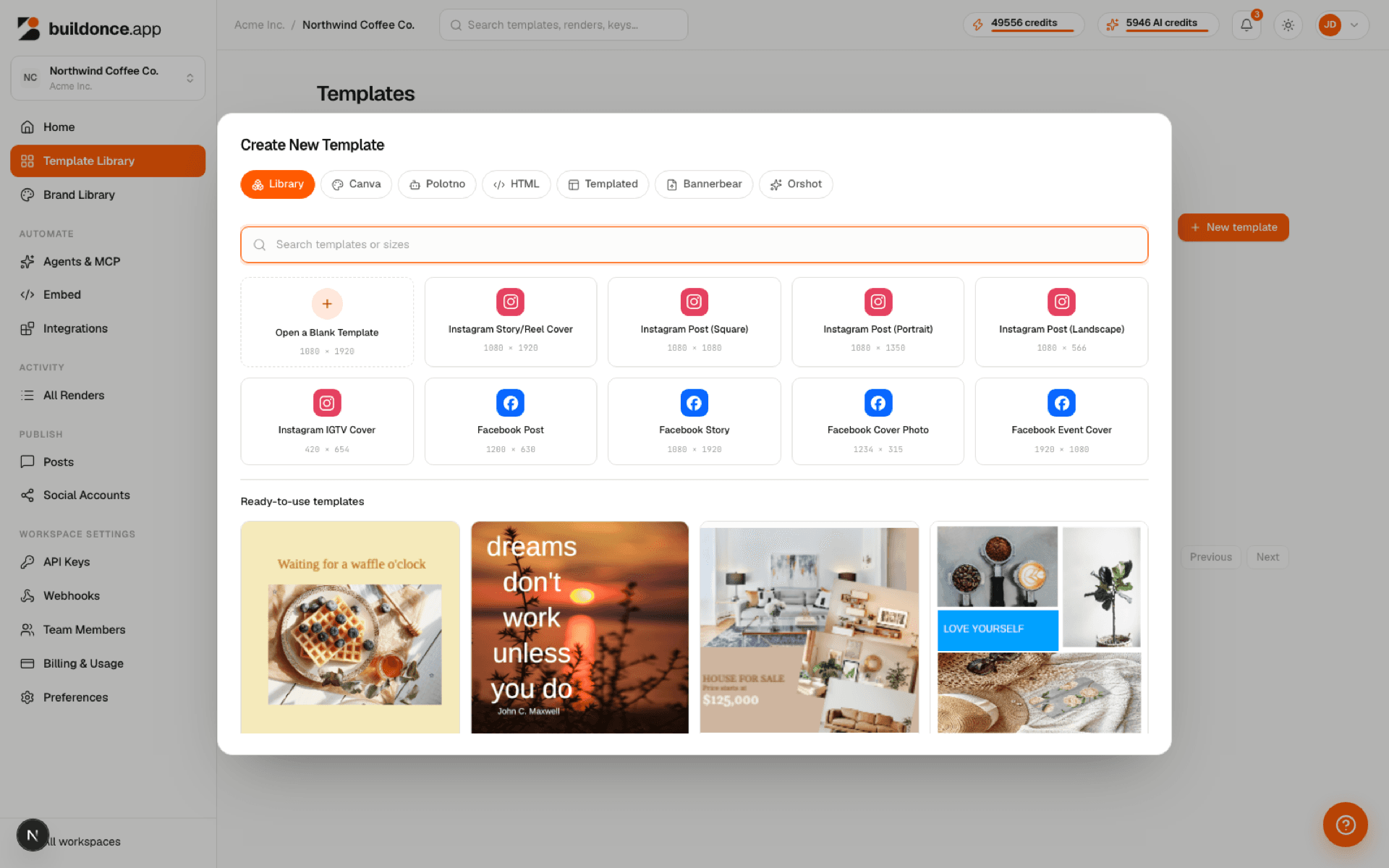
Instead of starting from a blank canvas, you can import a design from another tool and buildonce.app converts it into a fully editable, variable-ready template — same as anything designed from scratch in the studio. Import is available from Templates → New → Import.
Four sources are supported, each with its own way of handing over the design:
| Param | Type | Notes |
|---|---|---|
| Canva | URL | Paste a public Canva design view link. |
| Polotno | pasted JSON | Paste a Polotno JSON export. |
| HTML | pasted HTML | Paste raw HTML directly — no file upload for this source. |
| Templated / Bannerbear / Orshot | .mhtml file | Upload a browser "Save As → Webpage, Single File" export of the design. |
How it works
Every source goes through the same two-step flow:
- Preview — buildonce.app fetches and extracts the design without saving anything, so you can review pages and any conversion warnings first.
- Import — confirming saves the previewed design as a new template. If the preview is still in cache (kept for up to 15 minutes), the design isn't re-extracted; otherwise confirming fetches and extracts it again.
Not everything converts perfectly. Effects, blend modes, or layout mechanics with no buildonce.app equivalent are simplified rather than dropping the import — you'll see a list of what changed before you confirm.
Uploaded files are capped at 75 MB — enough headroom for a large, multi-page design export.
Variables after import
Import never creates variables automatically — every imported layer starts as a plain, editable object, exactly like anything drawn from scratch in the studio. To turn a text or image layer into a template variable, open the imported template, select the layer, and set its variable name in the editor's Properties panel; it then appears in the Variables panel and becomes part of the render API's parameter list.
Multi-page imports
A multi-page source (a multi-page Canva design, for example) can be imported as a combined template — one template holding every page, the default — or as separate templates, one per page. Choose between the two in the import dialog before confirming.
Was this page helpful?