

Folders, tags & version history
Beyond the template itself, there are three ways to keep a growing library organized: folders and tags group templates for browsing, and version history gives you a way back after an unattended save overwrites a design.
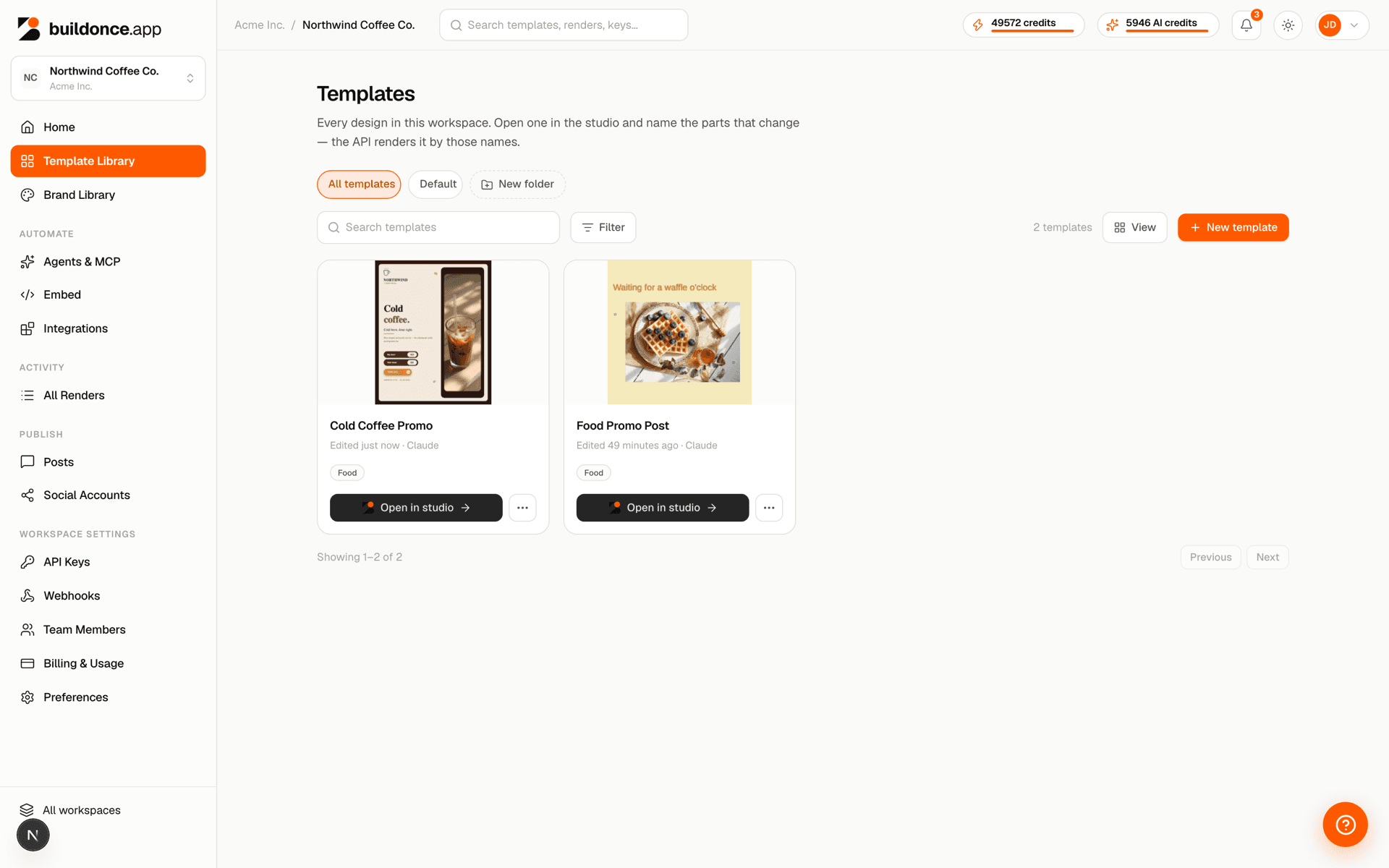
Folders
Folders are flat — a template belongs to at most one folder, and folders don't nest. Pass folderId when listing templates to restrict to one folder, or the literal string "root" for templates that aren't in any folder — root is a filter value, not a real folder you can fetch or rename. Deleting a folder never deletes the templates in it; they move to root.
| Param | Type | Notes |
|---|---|---|
| name | string | Unique per workspace, 1–80 characters. |
| folderId | string (UUID) | "root" | Used to filter the template list or move a template. |
Tags
Tags are free-form labels on a template — up to 20 per template. Filtering the template list by tags matches any overlap with the tags you pass, up to 10 at a time, not all of them at once.
Version history & restore
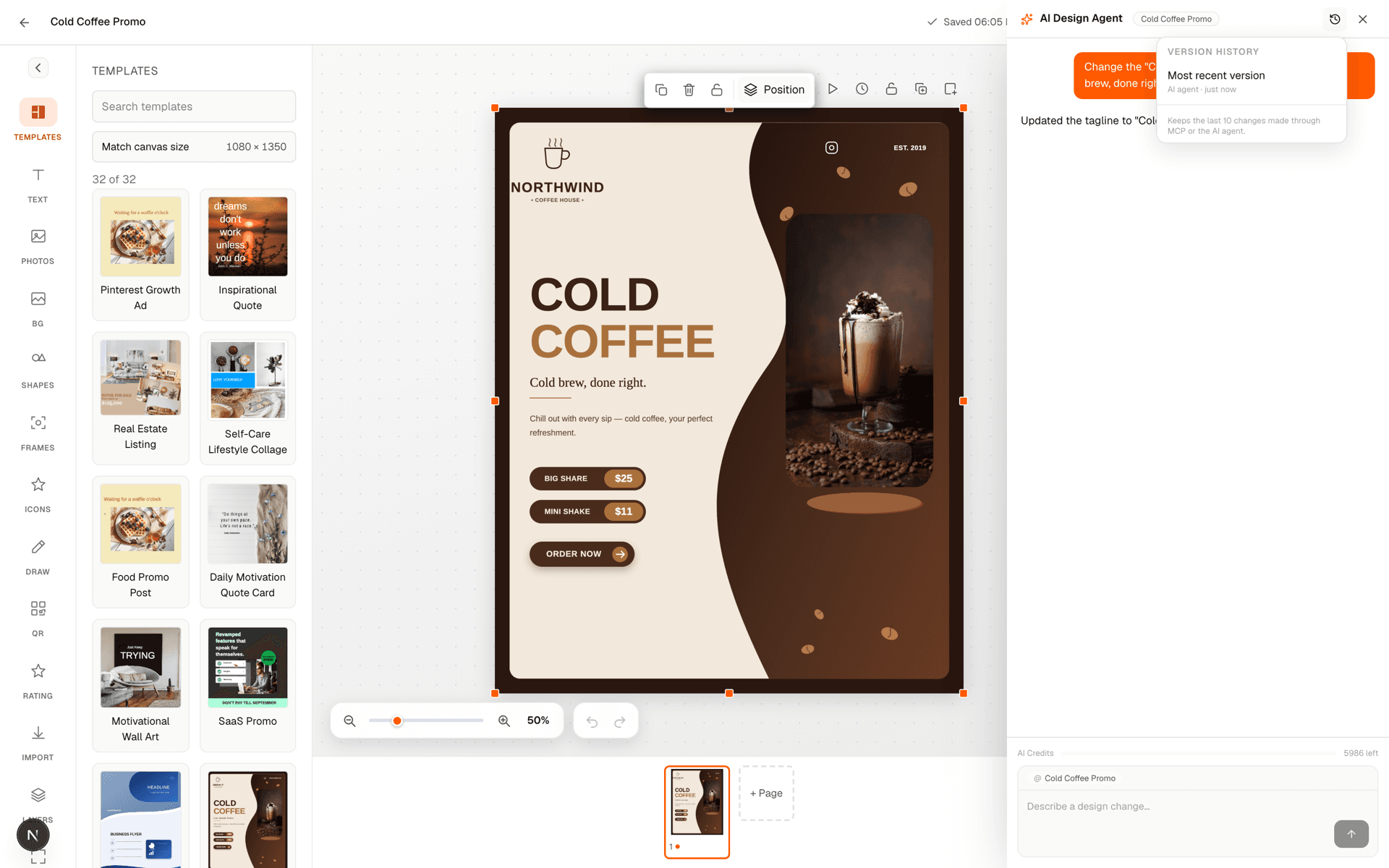
A template keeps up to 10 previous versions of its design; once the 11th is created, the oldest is dropped. Each version is just the design document at a point in time, plus which kind of save created it. You can list a template's versions, fetch one version's full design to preview it, or restore it — which makes that version the live draft again.
Restoring isn't destructive: it's a normal save, so the design it replaces is snapshotted first too. Restoring the wrong version is undoable the same way — restore again.
Was this page helpful?