

Social publishing
Connect LinkedIn, Instagram, Facebook, Threads, X, TikTok, YouTube, Pinterest or Discord accounts from Social in the dashboard — each uses that platform's own OAuth login. Bluesky connects differently: paste in a handle and an app password generated from your Bluesky settings, no OAuth screen involved (this platform may not be enabled on every deployment). Once connected, publish a render directly to an account, or schedule it for later. Scheduled posts run automatically at their set time; you can edit or discard a post any time before it goes out.
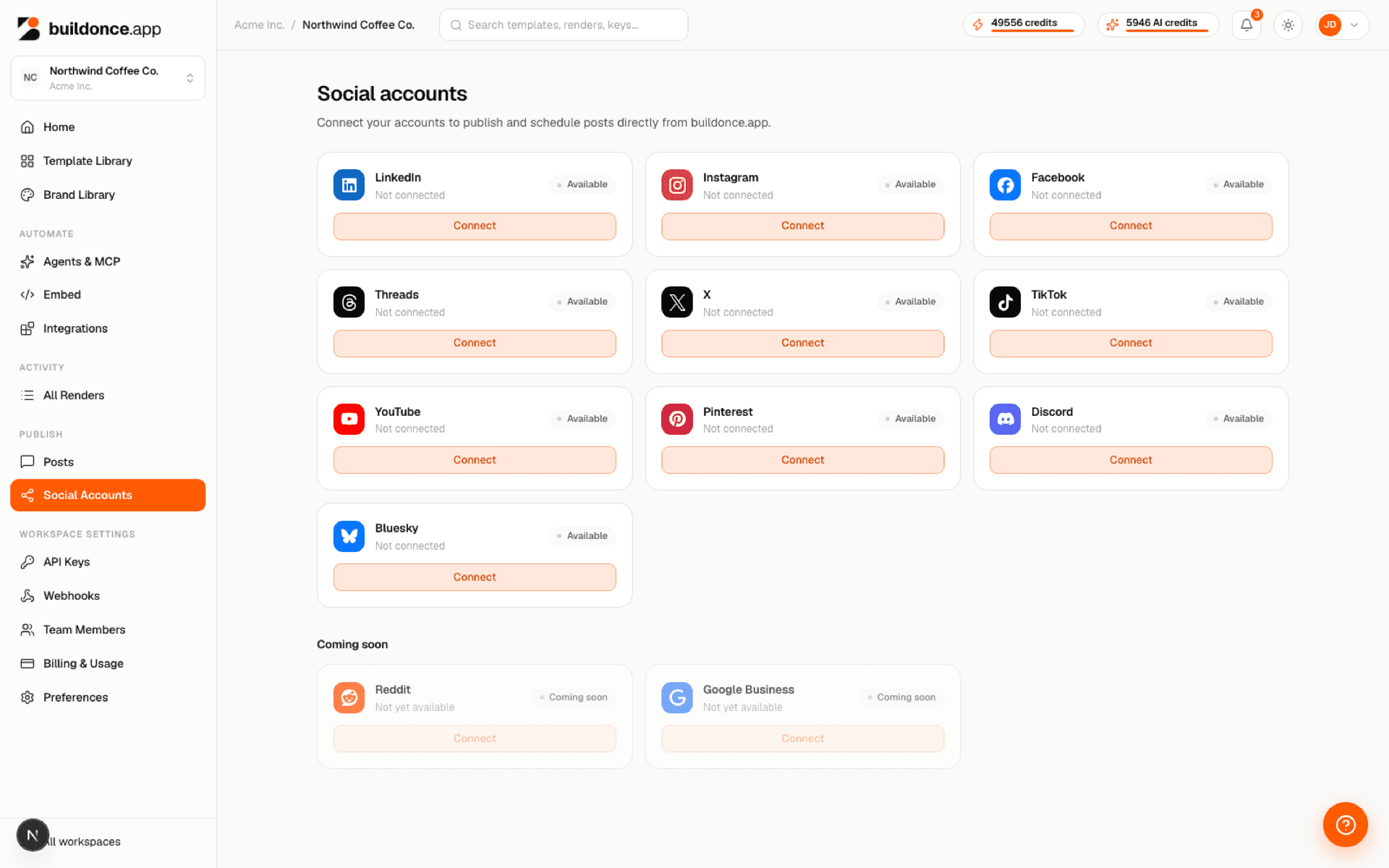
Video renders (MP4) can be posted to Facebook, LinkedIn, TikTok and YouTube, and to Instagram as a reel or story. A video post carries one video and no images. The other platforms take images only for now.
Post analytics (impressions, engagement, clicks and more) are available today for YouTube, Pinterest and Bluesky; other platforms show as coming soon until their analytics integration lands.
Each plan includes a number of connected social accounts; if you need more, add extra accounts as a billing add-on from Settings → Billing.
Social publishing is also available programmatically through the MCP server — an agent can schedule or publish a post, list and manage scheduled posts, and check a platform's requirements, the same way the dashboard does. It's otherwise a dashboard feature, managed from the workspace UI rather than the machine /v1/* API.
Was this page helpful?